Files, without the detour.
Send selected files, photos, and videos to your Mac. Download files your Mac shares. Long-press a transfer to clear a record or the whole history; saved files stay intact.
 Continuum
Get Continuum
Continuum
Get Continuum
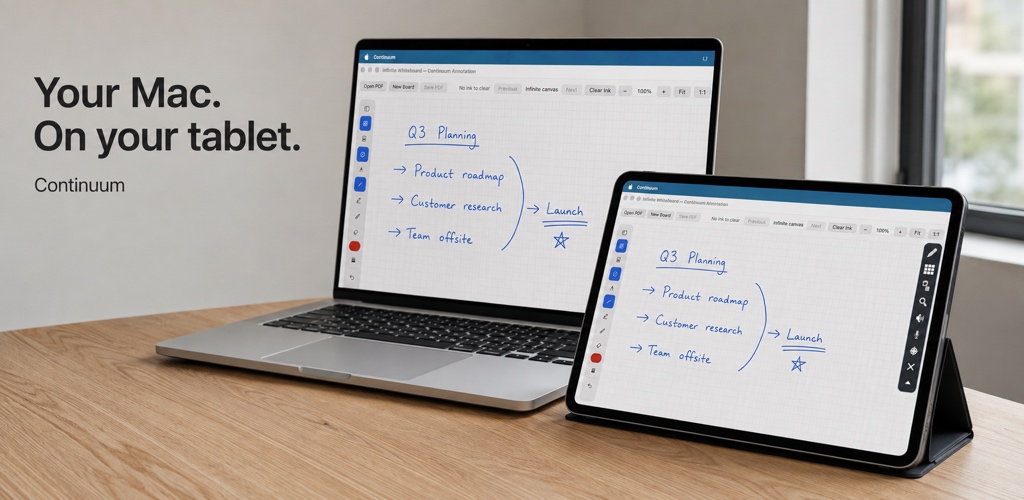
Turn your Android tablet into an extra Mac display. Or keep your everyday controls close with the free, built-in Control Deck.
Android 1.0.0 is coming soon. One app. One pairing.
Mac Android
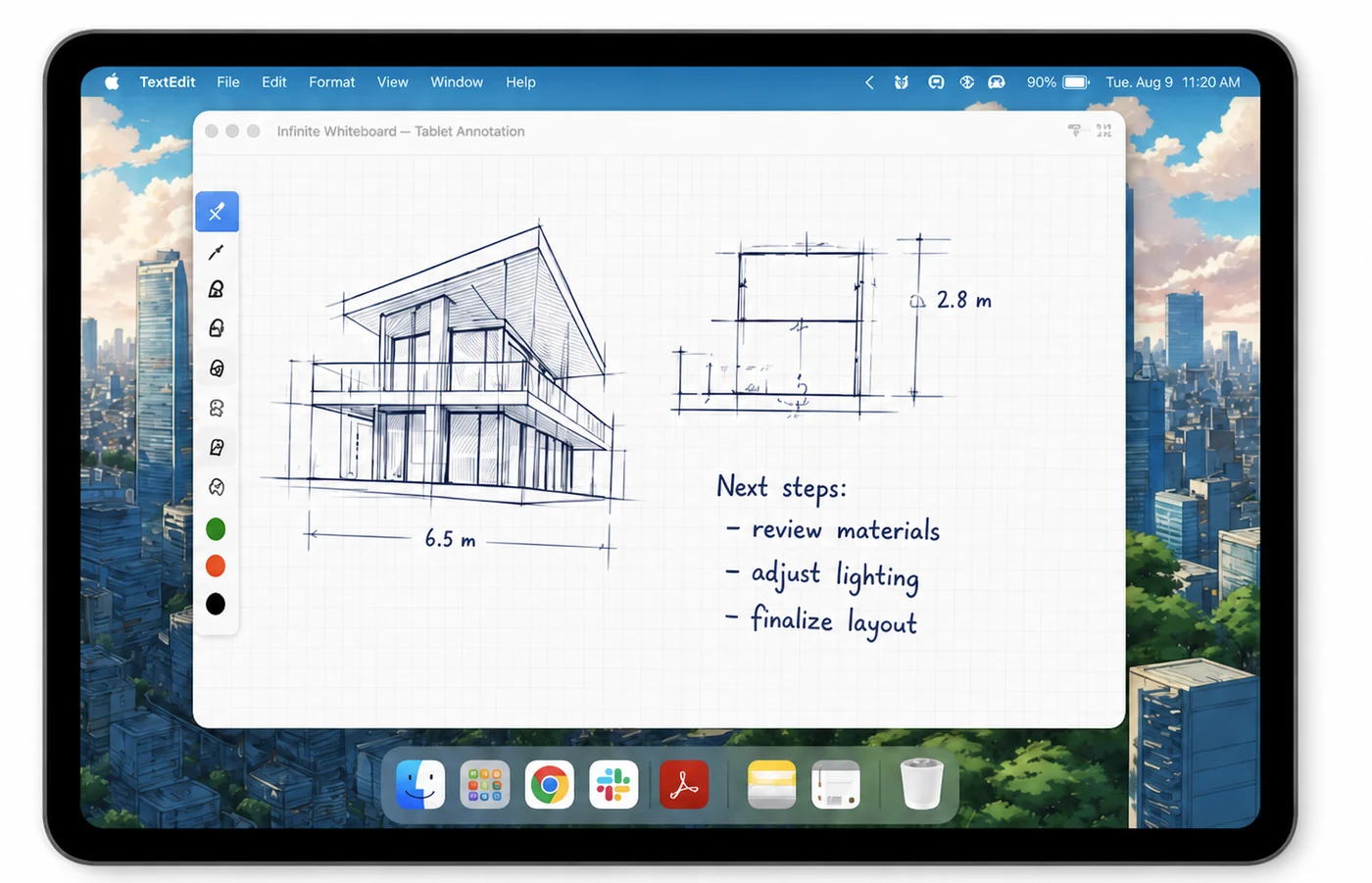
Local Wi-Fi or USBPair once. Stay connected.Free Deck · Mirroring with ProGive a document its own display. Keep a reference beside your work. Mirror your Mac, or extend it with a dedicated desktop on your tablet.
No app header taking up space. A collapsible floating toolbar keeps controls within reach, and brings you back to Control Deck.
Connect to your Mac and Control Deck opens as your home page. No separate app. No subscription needed.
Volume, playback, apps, clipboard, screenshots, and files—all together. Media, Workspace, and System keep the essentials organized.
One pairing for both featuresMade for the things you do between the big tasks.
Send selected files, photos, and videos to your Mac. Download files your Mac shares. Long-press a transfer to clear a record or the whole history; saved files stay intact.
Take a full-screen or active-window screenshot from Deck. Download the capture, or long-press to delete it from Continuum. Copies you saved remain yours.
Customize your controls in Edit and adjust the glass appearance on both devices. Screen Mirroring stays within reach in Deck, with a Pro label until you upgrade. Deck remains free to use.
Deck and mirroring share the same paired Mac. Moving between them never means pairing with another app.
On your Mac, download the free Continuum companion and open it. Requires Apple silicon and macOS 14 or later. Open Continuum on your Android tablet, then use the same local Wi-Fi network or set up USB.
Select your Mac, enter its six-digit code, and approve the tablet on your Mac. Your devices remember each other. Continuum can rediscover your paired Mac when its local network address changes.
Start with free Control Deck. Choose Screen Mirroring from Deck when you want a full display with Pro.
USB setup requires Android USB debugging. English and Simplified Chinese controls are available. Optional controls may require macOS permissions. Use a trusted network; local transport is not encrypted.
Everyday controls are free. Screen mirroring and the extended desktop require a paid Pro subscription.
Your Mac controls, together.
Your Mac display, on your tablet.
Monthly and annual options in Google Play. Your local price and any eligible trial appear before purchase. Manage or cancel in Google Play.
No. Control Deck is free; screen mirroring and the extended desktop require Continuum Pro. You can see the Pro benefits and available plans from Deck.
No. Pair your tablet with your Mac once using the code and Mac approval. Deck and mirroring share that connection. Forgotten or revoked devices need to pair again.
Yes. Deck is your home page whenever you connect to your Mac. Screen Mirroring stays visible in Deck, but starting it is optional and requires Pro.
The record disappears from Continuum. Files already saved on your Mac or tablet remain intact. Cleared “From Mac” items are no longer offered for download in Deck.
Screen, audio, and input travel between your paired devices over local Wi-Fi or USB, rather than through this website. Google Play handles subscriptions. See the privacy policy for details.
More room for your Mac. More use for the screen you already own.
Mac 1.0.0 beta.
Updated September 27 with a refreshed interface, adjustable glass, and more reliable reconnection. The Android companion is coming soon.
Requires macOS 14+ · Apple silicon.
Android companion: Android 7+.
Android 1.0.0: Google Play release coming soon.
Development-signed beta, not notarized. macOS may require approval in Privacy & Security. Media support varies by macOS version and music app.